


iFY project kickoff
Team launched the iFY initiative, scoped the automation pipeline, and assembled the first training datasets.
Your PDF plans. our AI.
AmpliFY automatically converts your architectural PDF drawings into BIM models ready for metrics, design studies, and technical analysis.
How AmpliFY works
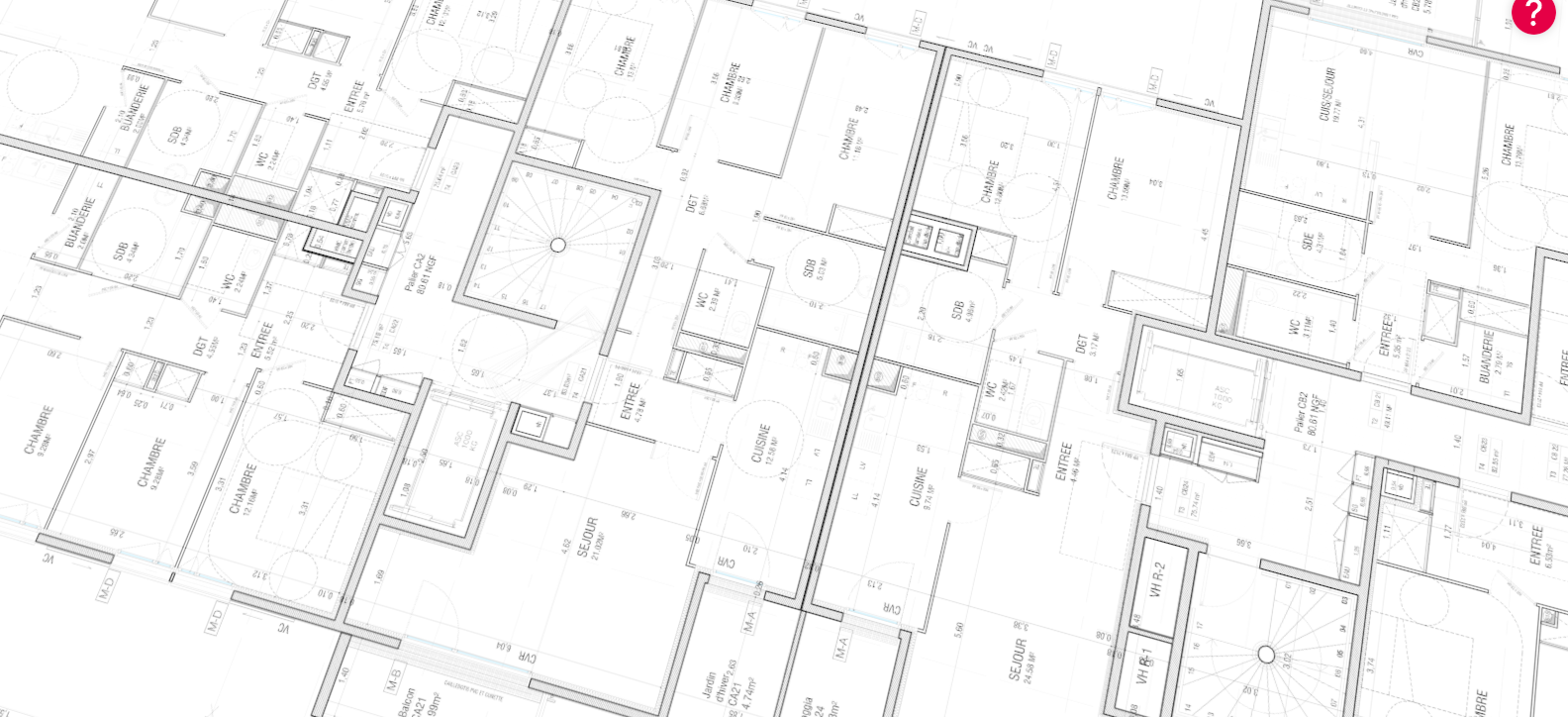
Drag and drop any raster or vector file. General layout is analyzed, scale is automatically read.
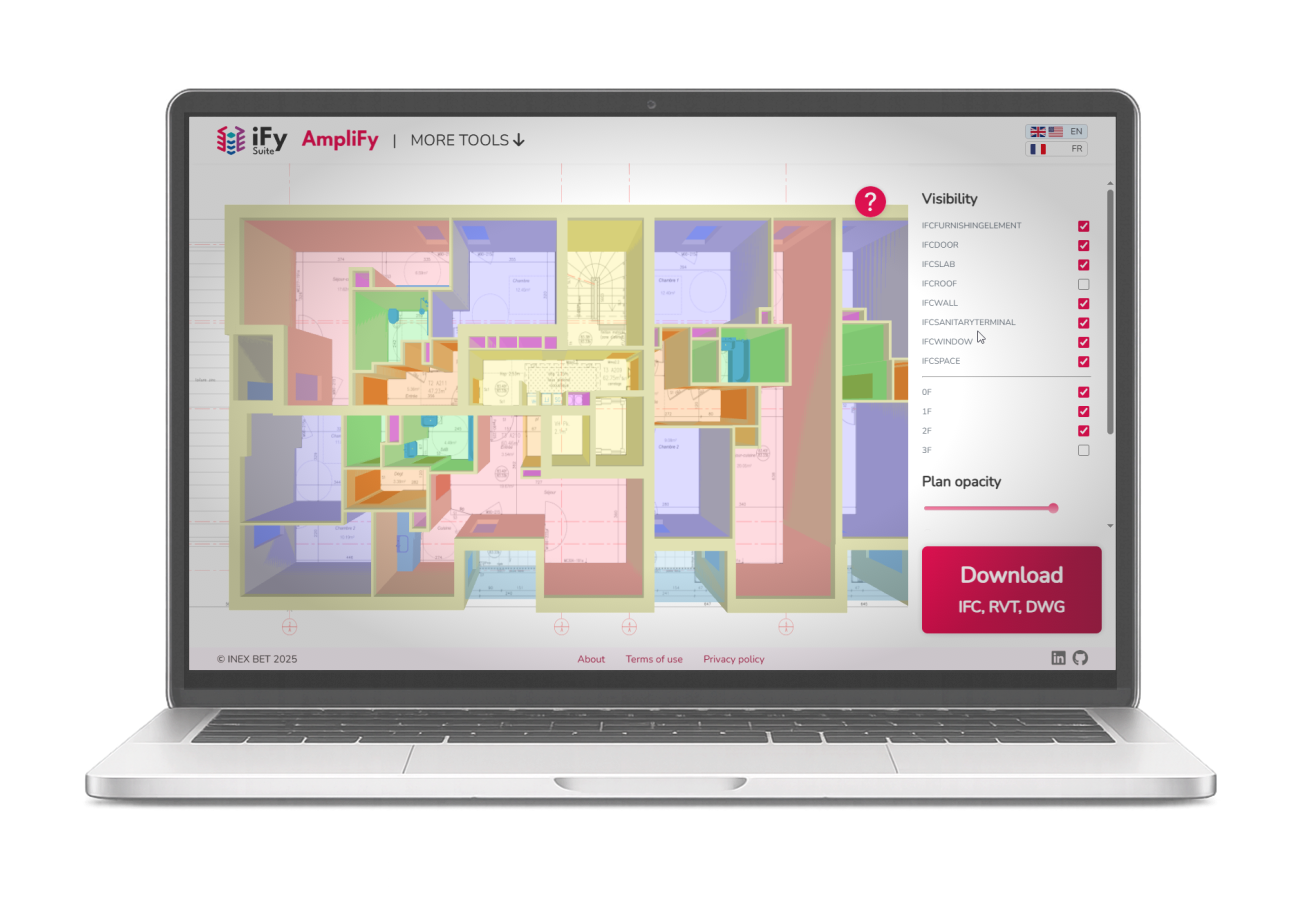
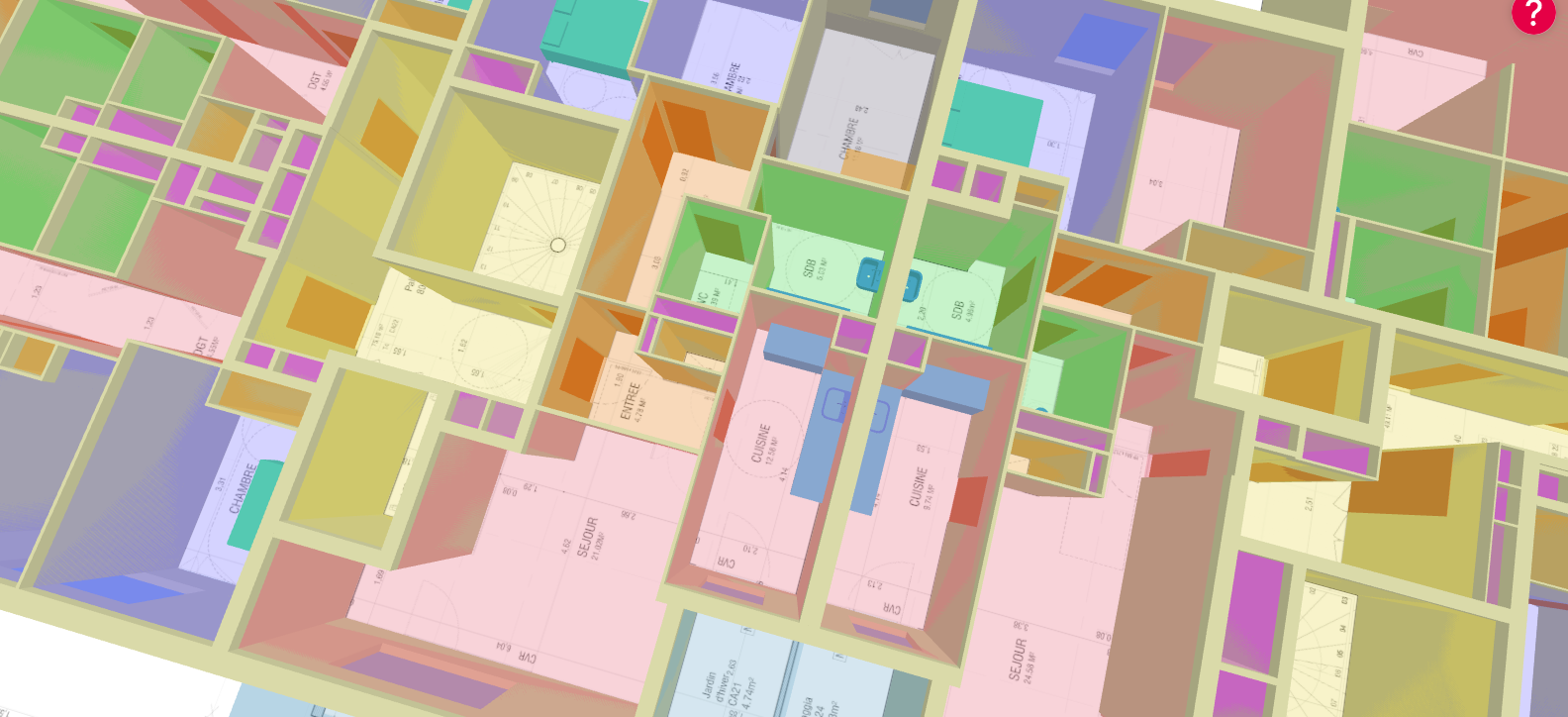
Walls, doors, windows, rooms, shafts and equipments are detected and validated.
Geometry gets cleaned, lines are closed, building is extruded, and everything is structured by discipline.
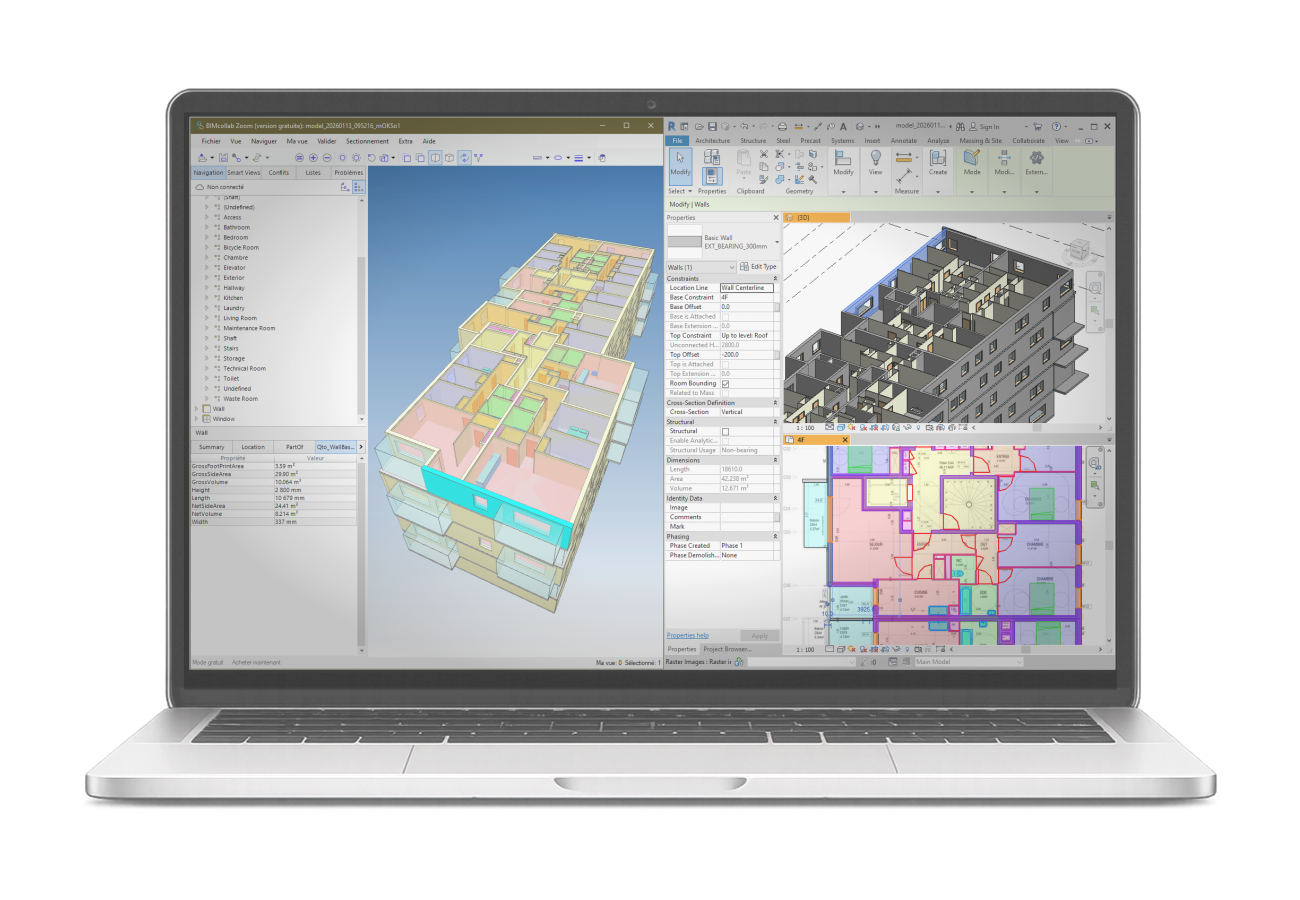
Download IFC, Revit, or DWG and continue in your existing workflows.
features
Preview every run for free before paying or downloading your output.
Upload a bunch of floor plans at once and get a stacked BIM model.
Full IFC models, structured and ready for downstream BIM workflows.
With native Revit families, all elements are fully parametric and editable.
With structured layers, clean geometry, and consistent naming conventions.
Add team members under one account with shared access and permissions.
Connect AmpliFY directly to your workflow for automated, scalable integrations.
We integrate your custom Revit template, naming conventions, and more.
All core outputs are live and ready to use right now.
See how AmpliFY moved from internal tooling to a production platform, and what improvements are already scheduled. Dates are indicative and help you plan integrations ahead of time.
Team launched the iFY initiative, scoped the automation pipeline, and assembled the first training datasets.
AmpliFY went live online with end-to-end uploads and IFC exports on the spot.
Batch uploads and stacked BIM models launched, along with RVT and DWG exports.
Initial release of the AmpliFY API enabling plan-to-BIM conversions through automated workflows
Automated schedules and takeoff exports deliver ready-to-use quantities for estimating and coordination.
Edit detected elements directly in the web app before exporting your BIM model.
Use cases
Run design comparisons or surface checks without waiting on manual drafting.
Turn legacy plans into BIM for digital twins, leasing packs, and capex planning at scale.
Turn early-stage floor plans into fully editable BIM models, ready for your authoring tool.
Start MEP, structure, or energy studies with clean geometry and rooms already in place.
Scale plan-to-BIM production while reducing modeling time and improving delivery consistency.
Offer plan-to-BIM conversion directly in your product with a stable, documented API.
Reduce plan-to-BIM preparation from days to minutes so your teams focus on design, coordination, and delivery.
Every project follows the same rules and structure, making quantities, metrics, and analysis repeatable.
Use the web app or connect via API. Keep working in Revit, Navisworks, Archicad, or your platform.
About Us
iFY and AmpliFY were born inside INEX BET, a French engineering firm created in 1978. That heritage gives us more than four decades of building engineering expertise directly into our automation technology.
CEO - Co-founder
20 years of experience in AEC. Guides AmpliFY with a delivery-first mindset grounded in large real estate and infrastructure programs.
CTO/CPO - Co-founder
9 years in BIM management, software, and AI. Shapes AmpliFY at the intersection of engineering rigor, product clarity, and industrial reliability.
FAQ
AmpliFY detects key architectural elements such as walls, doors, windows, rooms, and main sanitary equipments. The detected typology may evolve as new features are released.
Elevations and heights are generated using standardized default values. These values can then be easily adjusted in the exported IFC or Revit model using your usual authoring tools.
Yes. Detected geometry is structured into BIM models ready for quantity extraction in your usual tools. Advanced quantity reporting will be introduced shortly.
For typical residential plans, recognition is production-grade. But you do not have to take our word for it: Try it yourself and be your own judge!
No. Export to IFC, Revit, or DWG and keep working in your current authoring tools or asset platform.
Data is processed on a temporary basis. Uploaded plans, generated models, and intermediate files are deleted within two hours after processing. All data remains on our servers in France. Learn more
AmpliFY is optimized for residential buildings, but also supports a wide range of architectural layouts. Recognition quality depends on plan clarity and drawing consistency.
Detected elements can be reviewed directly in the web app before exporting your BIM model. Post-processing editing capabilities are planned and will be released soon.
Talk to us
Let’s discuss your use cases and see how AmpliFY can adapt to your workflow.